CODE REMEDIATION

Your site's code is the problem. We rewrite it.

No overlays. No plugins. No widgets that sit on top of broken HTML. We fix the code itself — the contrast, the keyboard traps, the missing labels, the semantic structure — so your site natively works for everyone.

  • 2.2 AAtarget standard
  • <2sload target
  • 100Lighthouse goal
Semantic HTML and ARIA attributes being rewritten by hand in a code editor beside a screen reader test
TWO WAYS TO FIX IT

Remediate what you have, or rebuild it clean

Most sites can be fixed in place. Some cannot — because the platform they're built on fights every correction. We'll tell you which one yours is.

PATH ONE

Remediate your existing site

  • We work inside your current codebase
  • Contrast, keyboard access, ARIA, and form errors fixed at the source
  • Third-party scripts audited and pruned where they break assistive tech
  • Core Web Vitals improved without a full redesign
  • Best fit when your platform is workable and your content is sound
PATH TWO

Rebuild it custom

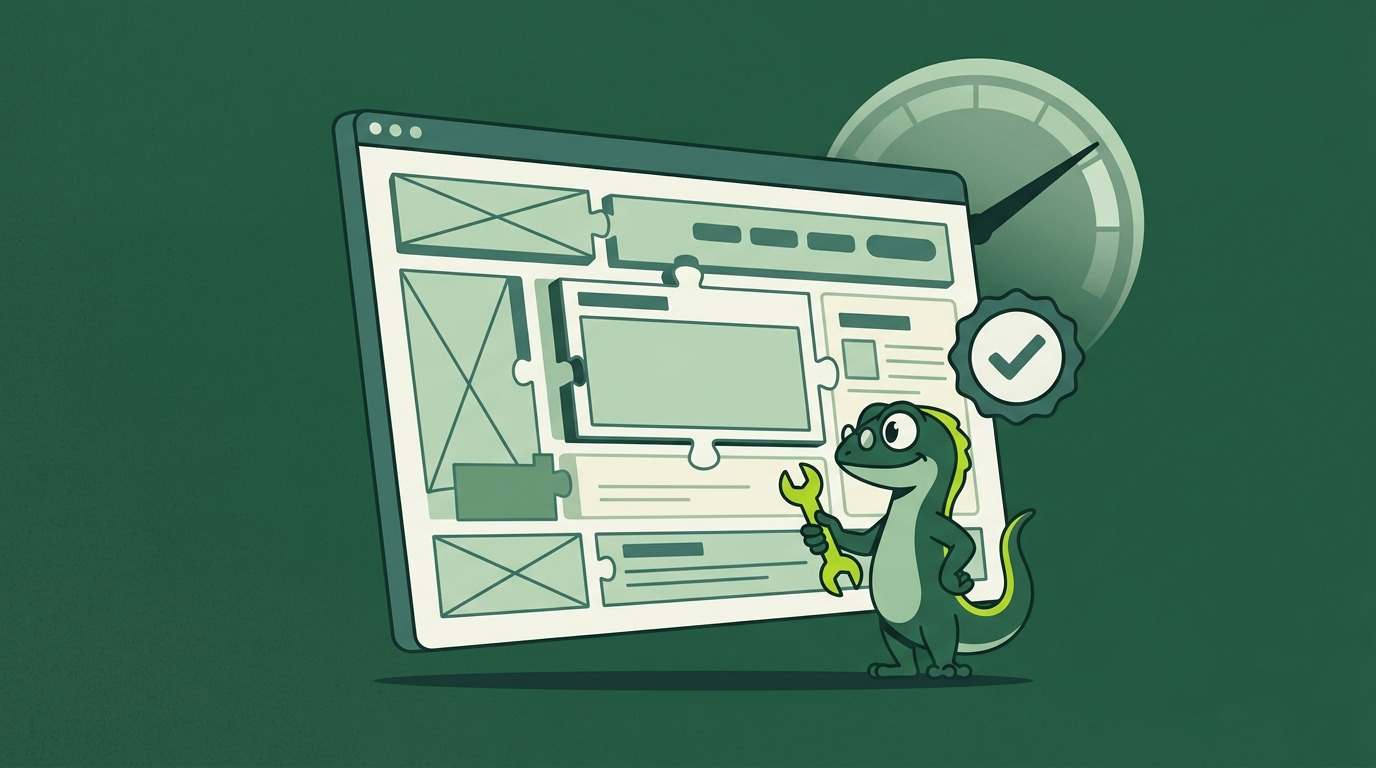
  • Hand-written HTML/CSS frontend — no page builders, no Bootstrap defaults
  • Django and Python backend — no vulnerable plugin stacks
  • Built to WCAG 2.2 AA, verified with real assistive technology
  • Sub-2-second loads because nothing is in the way
  • Best fit when the current platform is the source of the problem
WHAT WE FIX

The barriers your audit found — and how we remove each one

Every remediation starts from the audit findings. These are the six categories that account for the vast majority of real-world failures.

Keyboard Access

Focus traps, invisible focus rings, elements reachable only by mouse, and menus that swallow Tab.

Fixed: full keyboard paths, visible focus, escape from every component

Color & Contrast

Text that fails contrast thresholds, low-contrast focus indicators, and color alone conveying meaning.

Fixed: WCAG 2.2 AA contrast on text, icons, and interactive states

ARIA & Semantics

Missing landmarks, wrong roles, misused aria-* attributes, and headings that jump levels.

Fixed: correct roles, landmarks, and a strictly sequential heading order

Forms & Error Handling

Unlabeled inputs, placeholder-only labels, errors announced silently, and required fields with no indication.

Fixed: persistent labels, programmatic error association, and clear recovery paths

Performance & Core Web Vitals

Page-builder bloat, unoptimized images, render-blocking scripts, and layout shift that punishes mobile users.

Fixed: sub-2-second loads and a 100 Lighthouse performance score

Semantic HTML & Validity

Divi soup, duplicated IDs, orphaned table cells, and markup that only a browser can love.

Fixed: W3C-valid, semantic, hand-written HTML that assistive tech understands
THE GECKO BULLETIN

Weekly teardown: a real website, everything broken in it, and exactly how we'd fix it

WHAT CHANGES

The site your customers actually get after remediation

✓ Every form reachable and understandable by keyboard and screen reader
✓ WCAG 2.2 AA contrast across text, icons, and focus states
✓ Semantic HTML that assistive tech reads correctly the first time
✓ Sub-2-second loads on real mobile connections
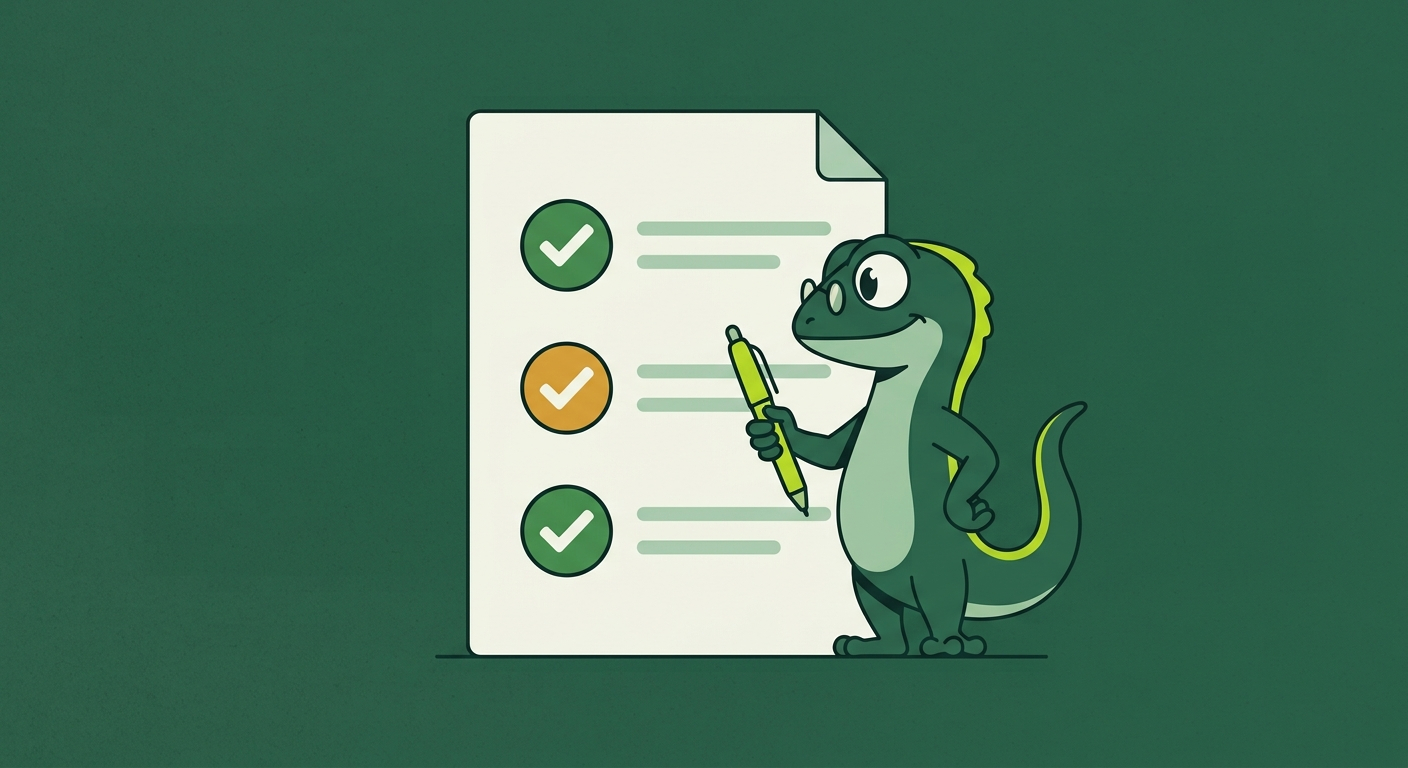
✓ A written remediation log you can hand to your attorney
✓ A post-remediation re-audit proving the barriers are gone

Remediation is not a patch. It's the code your site should have shipped with.
Rebuilt website showing perfect Lighthouse scores for performance and accessibility
IF YOU'VE RECEIVED A DEMAND LETTER

Call us before you respond

Demand letters are time-sensitive. Every day you wait to respond strengthens the other side's position. Here is exactly what we do, and in what order.

  1. Documented audit — immediately We test your site by hand, record the barriers on video, and produce a written audit. This is your baseline: what was broken before you responded.
  2. Prioritized remediation We fix the barriers the letter cites first, then the rest. Every change is logged with a timestamp and a before/after capture.
  3. Post-remediation re-audit We re-test the same flows with the same assistive technology, and produce a written record showing what was fixed and how.
  4. Documentation for your attorney You receive the full packet: audit, remediation log, re-audit, and video evidence. It is documentation you can hand to your attorney — nothing more, nothing less.

We do not promise that anything prevents a lawsuit, and we will never tell you it does. What we give you is a documented record of good-faith effort.
Developer hand-writing semantic HTML and CSS to replace a page builder
BEFORE YOU BUY A PLUGIN

An overlay sits on top of broken code. It never fixes it.

  • Overlays cannot repair a keyboard trap or a broken focus order
  • They add JavaScript weight to pages that are already slow
  • They leave the underlying semantic HTML just as wrong as it was
  • They generate a badge, not a documented audit trail
  • Courts have taken a dim view of overlay-only responses
Read the full argument →
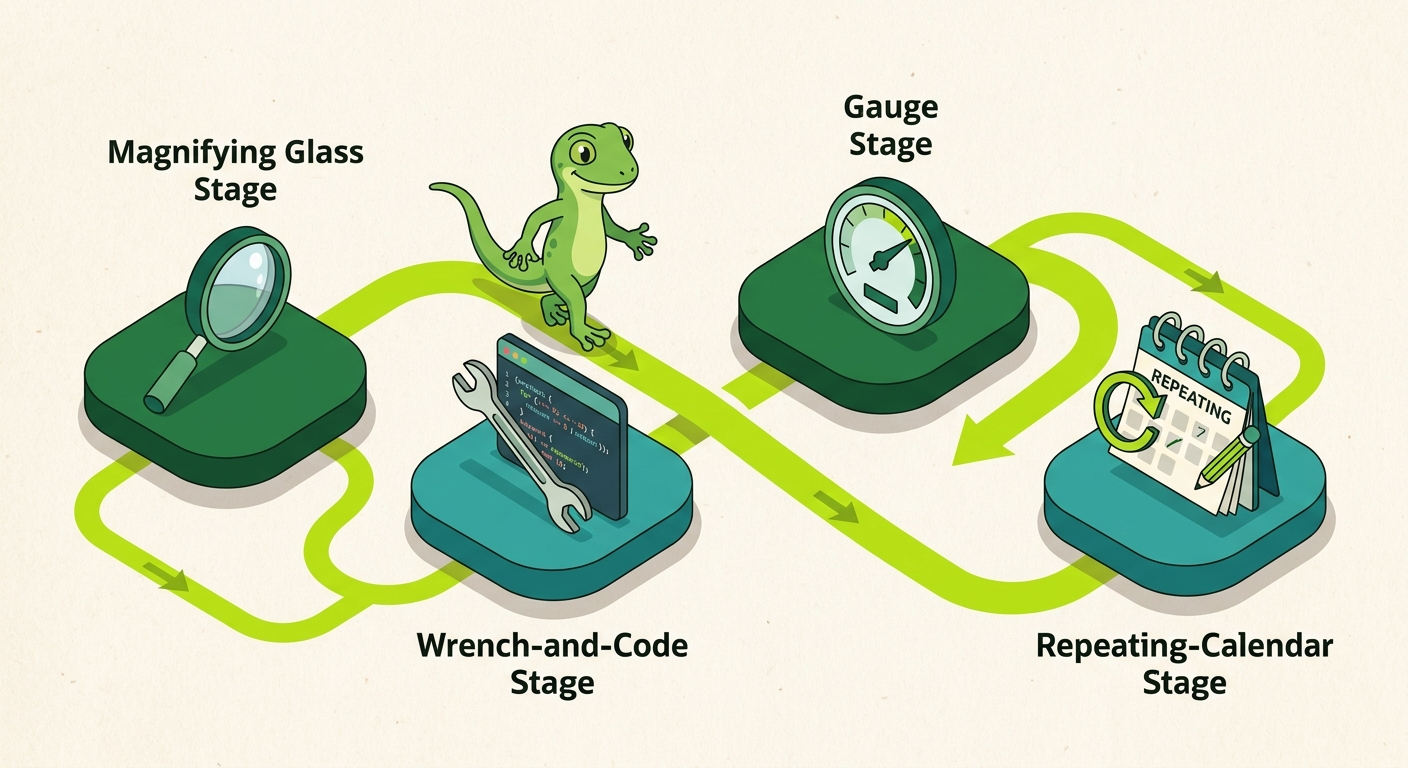
HOW REMEDIATION RUNS

From audit findings to a proven fix in five steps

Audit review

We go through the audit findings together and agree on scope, priority, and what a fixed version looks like.

Code review

We read your actual markup, CSS, and scripts to find the root cause behind each barrier — not just the symptom.

Remediation

We fix the code in place, in priority order. Every change is logged with a timestamp and a before/after capture.

Re-audit

We re-test the same flows with the same assistive technology. If something didn't work, we go back to step three.

Handoff

You receive the remediation log, the re-audit, and the video evidence. Documentation you can hand to your attorney.

COMMON QUESTIONS

Questions about remediation

Do I need an audit before remediation?

Yes — and it's not a sales tactic. Remediation without an audit is guessing. The audit tells us what is actually broken, in what order, with video evidence. If you already have a current audit from a qualified provider, we can work from that instead.

Can you fix my site without changing the design?

In most cases, yes. Contrast, keyboard access, ARIA, and form labels rarely require a visual redesign. If the design itself is the barrier — say, low-contrast text everywhere or a color-only navigation — we'll tell you plainly and propose the smallest change that fixes it.

What if my site is built on WordPress, Shopify, or Wix?

We remediate on any platform where the code can be reached. If a platform locks the code down so thoroughly that a fix is impossible, the audit will say so — and remediation becomes a custom rebuild.

How long does remediation take?

It depends on scope. A focused fix on a small site is measured in days to a couple of weeks. A full remediation on a large site with a complex checkout is measured in weeks. You get a written timeline before any work starts.

Do you guarantee the site will be compliant after remediation?

No — and nobody honestly can. Compliance is a legal determination made by a court or your attorney. What we give you is a documented audit trail showing what was tested, what was found, what was fixed, and evidence of good-faith effort.

I've already received a demand letter. What should I do first?

Call us before you respond. We start with a documented audit, remediate the barriers we find, and give you a written record you can hand to your attorney. We do not promise that anything prevents a lawsuit, and we will never tell you it does.

Can you keep monitoring the site after remediation?

Yes. Our monthly vigilance service re-checks the site weekly as content changes, and produces a monthly written summary. That ongoing record is often the strongest evidence of good-faith effort.

READY TO FIX WHAT'S BROKEN?

Stop guessing.
Get your website audited.

We've checked over 1,000 websites and documented the failures on video. Get a written audit showing exactly what's broken on yours — and a plan to fix it right.

Get Your Accessibility Audit
A correct website is the best legal defense — and the best salesperson.
Written remediation log paired with a post-remediation accessibility audit report